Craft compelling promotional content, events, marketing materials, and menus, and showcase them in minutes!
Screens in Action
0+
Cities Worldwide
0+
Trusted Enterprises
0+
Connect Your Device
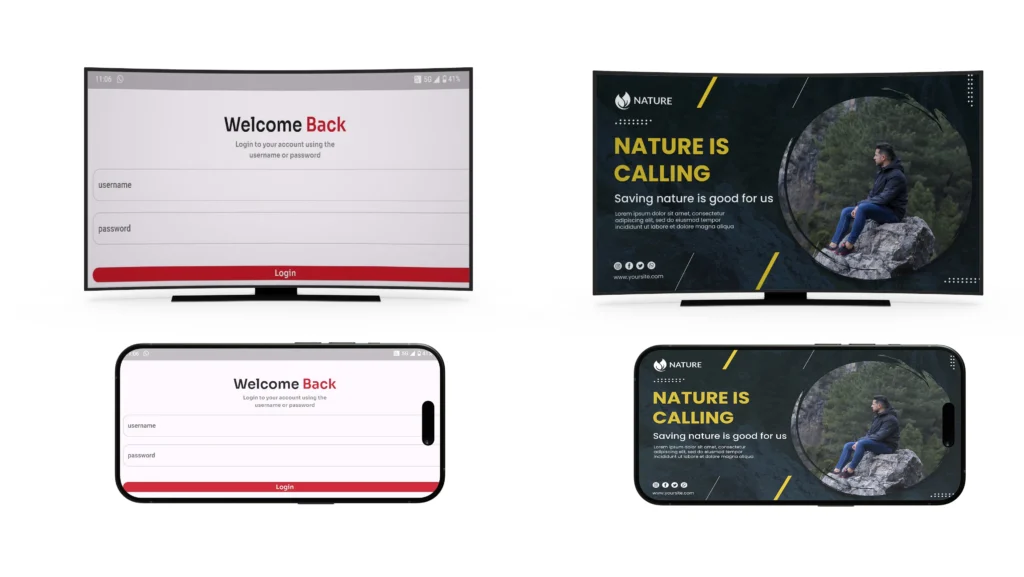
Open the Mite Signage Pro app and log in through the dashboard. Authenticate your device by scanning the QR code, then register it with a name, group, and storage mode.
Upload Your Content
Go to the Advertisement library in the dashboard. Upload images or videos that will be displayed on your digital signage.
Schedule & Display
Set the start date, end date, target device, and display duration. Submit the schedule to make your content live on the signage screen.
Getting Started is Easier than You Think
Manage in Your Browser
No need to install anything on your PC — just open MITE Signage CMS, upload content, and control your screens remotely.
Works with your existing setup
No need to buy new hardware. Use screens or devices you already have to launch your signage.
Quick setup process
From first login to screen-ready — everything takes just a few minutes.
Manage screens remotely
Control all content and screens from one dashboard — wherever you are.
Built for non-tech-savvy users
Clear interface, smart tools, editable templates — so you can get started without any IT background.
Scales as you grow
Whether you manage 1 screen or 10,000 — Look adapts to your needs without extra complexity.